Profile-driven data
Birth date, time, and place (with coordinates and timezone) live on profile cards and feed every system from one source.
Desktop metaphysics AI Agent. Local deterministic charting, guided verification when needed, structured readings; profiles and chat stay on your machine.
Ask → chart or verify → structured reading. You can follow the steps; data stays local.
Ask in plain language (career, romance, timing, and so on). The Agent breaks the work into steps.
Create a profile with birth date, time, and place (coordinates and timezone). That feeds charting.
Pick BaZi, Ziwei, Tarot, Liu Yao, or astrology, or let Auto recommend a path.
If birth hour or the chart is unclear, step-by-step inquiry checks life patterns before continuing.
Charting, inquiry, and reasoning show up as a task list; the reading lands in chat.
Mystilink charts on-device with deterministic engines. When the birth hour is unclear, it verifies first, then writes the long reading.
Birth date, time, and place (with coordinates and timezone) live on profile cards and feed every system from one source.
BaZi, Ziwei, and astrology charts are computed on-device. Same input, same chart; stems and stars are not invented by the model.
When birth hour is uncertain or the chart does not match life patterns, the Agent verifies before deep reading.
Each system builds a chart with a local engine or an interactive draw, then the Agent interprets it.
Four pillars from birth date and time, with luck cycles and annual pillars for analysis.
Local scripts compute pillars (optional true solar time), decade luck, and annual stems—shown in a standard BaZi panel.
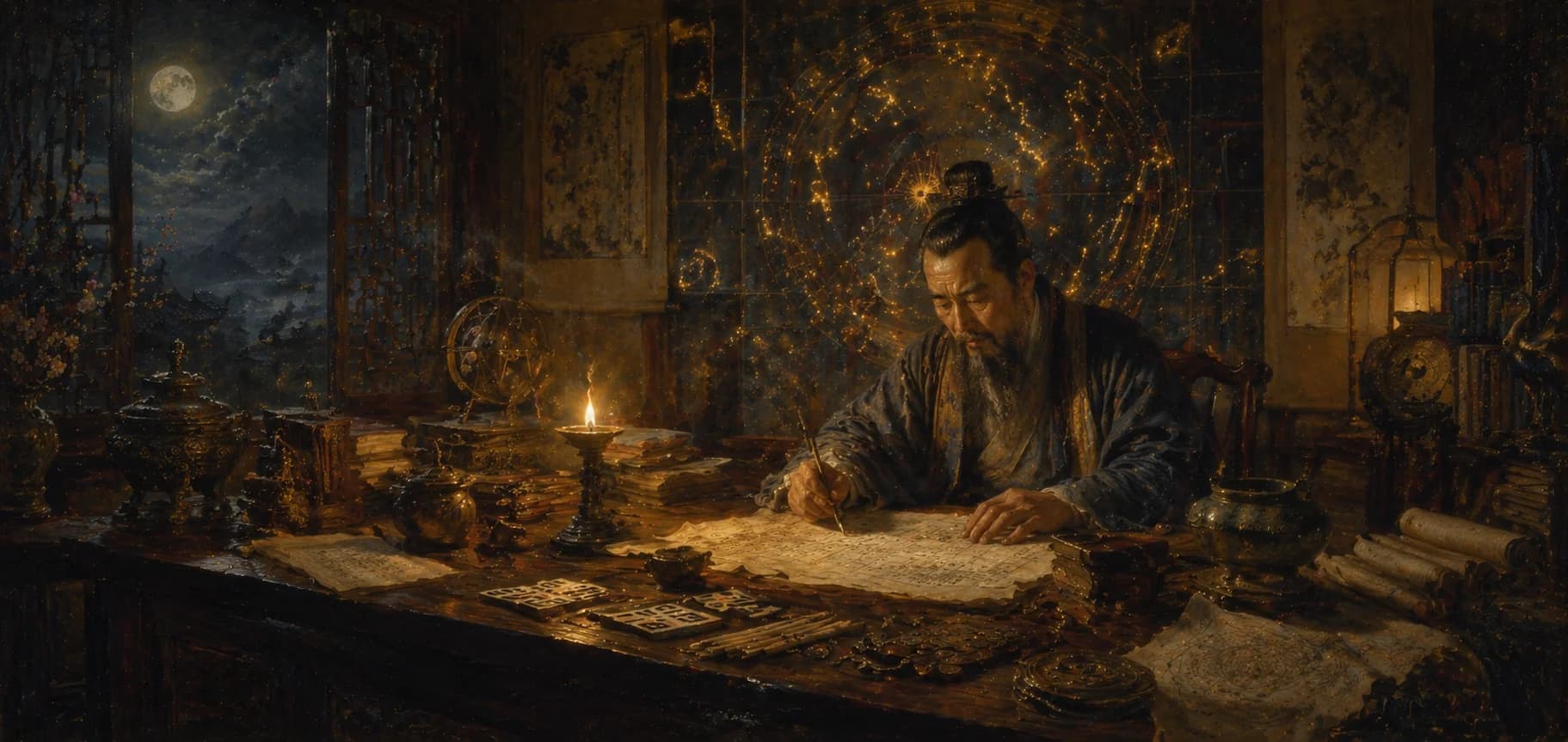
Purple Star astrology: twelve palaces, fourteen major stars, life/body palace, and luck cycles.
Local engine places stars and palaces; supports midnight zi rules and transformations.
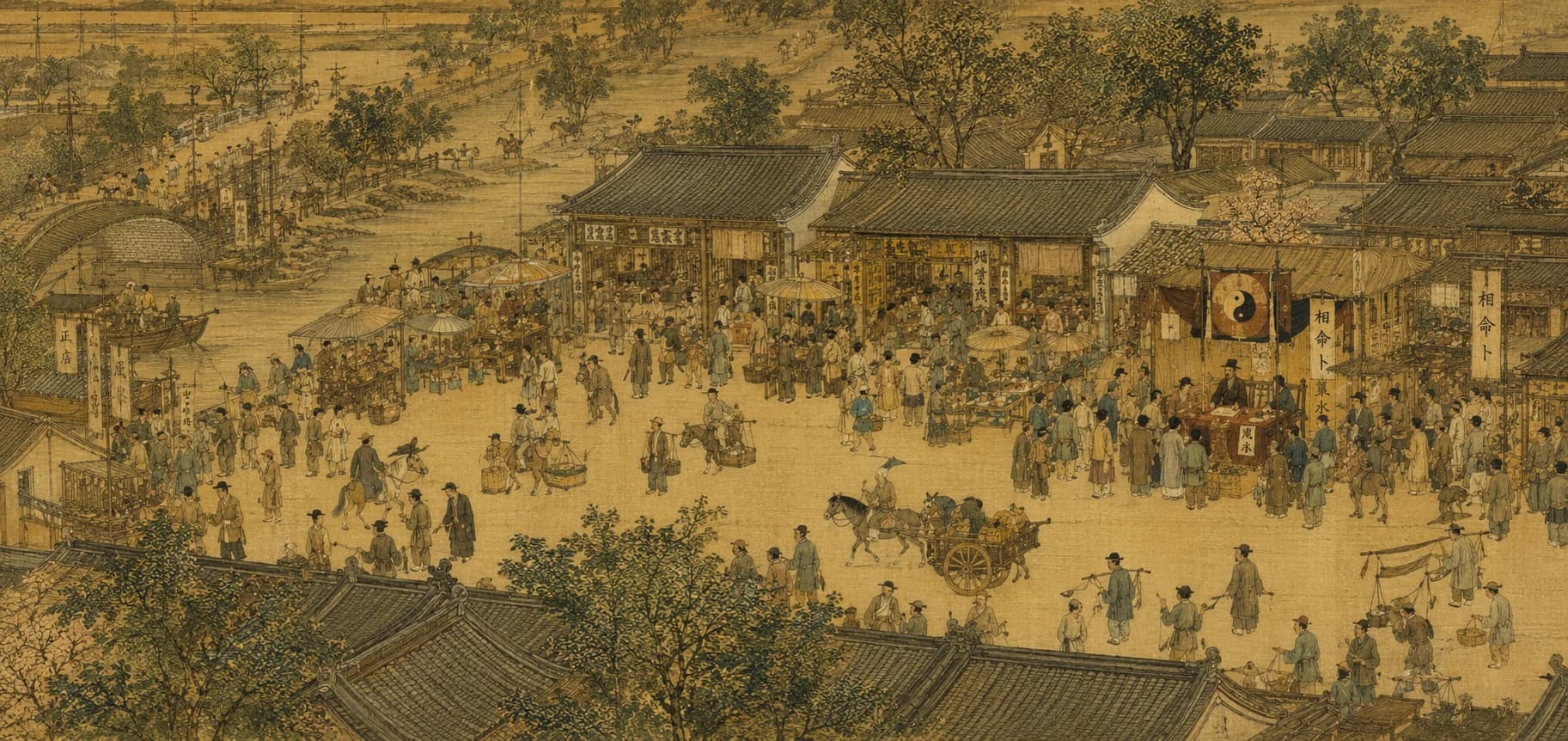
Draw cards in the app for a specific question; interpretation uses spread position and orientation.
You draw interactively in chat; the Agent reads the spread in context.

Western natal chart from birth time and coordinates—planets, houses, and aspects.
Swiss Ephemeris positions; tropical or sidereal zodiac and house systems.
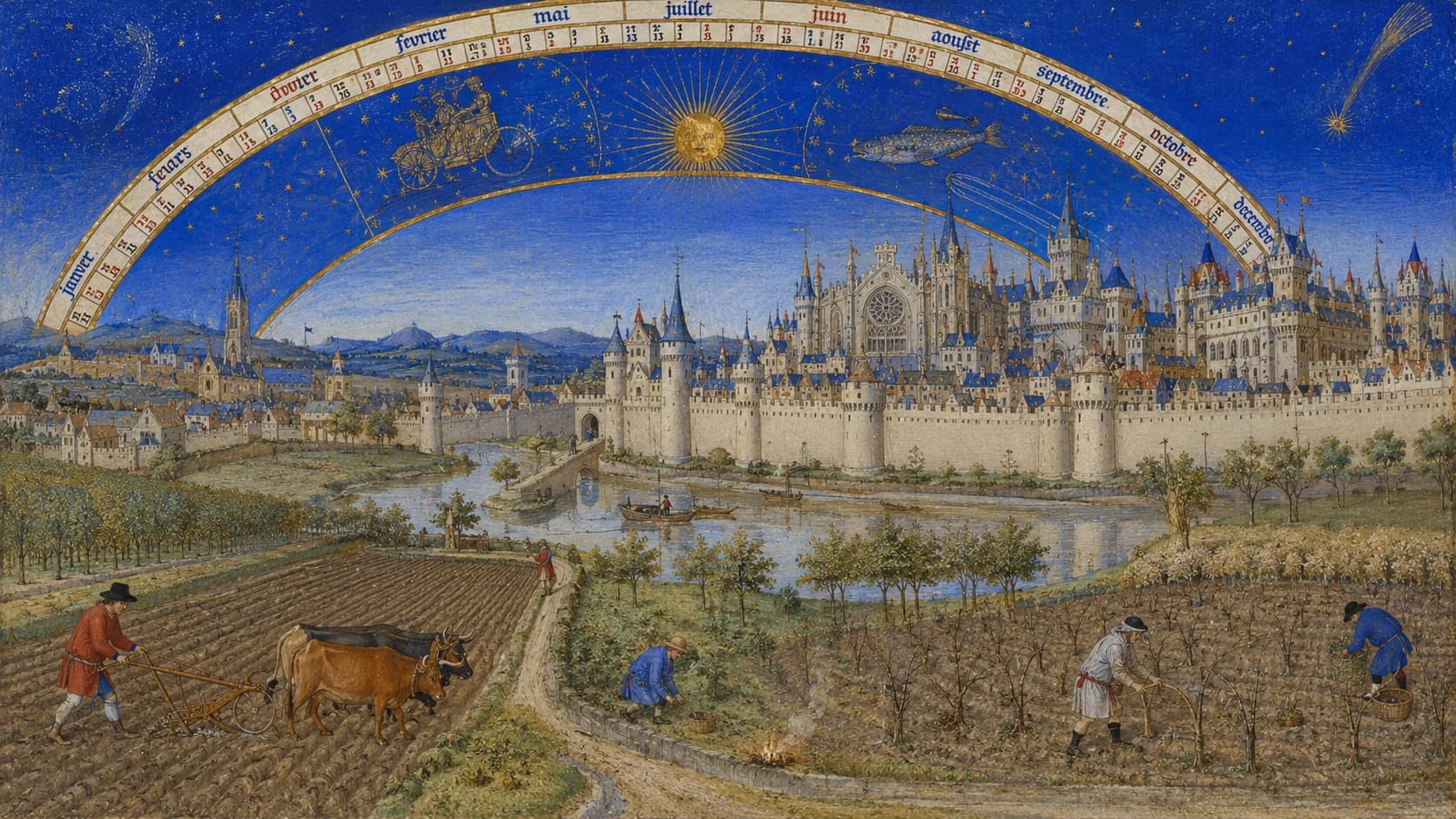
Cast six lines with coins for a focused question, then interpret the hexagram.
Six coin tosses in the UI build the hexagram with moving lines.
Open a focused desktop workflow page for Saju, BaZi, Zi Wei Dou Shu, Tarot, Liu Yao, or Western natal charts.
Connect OpenAI, Anthropic, Gemini, DeepSeek, and other providers with your own API keys. Keys stay on your device. Add several providers and switch primary or backup as needed.
Prefer Mystilink’s own models without vendor API keys? Explore Newton LLM
Pick a primary model, add backups, and enable automatic fallback when a provider is unavailable.
API keys and environment variables are stored in your local workspace, not uploaded to Mystilink servers.
Open Settings → Models to add providers, test connections, and manage model entries—same flow as the desktop app.